People search for a Media Cleaner alternative when they want deep unused-media cleanup without feeling locked behind a paywall—or when they want a clearer verify-before-delete path on builder-heavy sites. That is a fair shopping question. Media Cleaner from Meow Apps is the established player in this category — 90,000+ active installs and a 4.6★ rating on WordPress.org — with years of brand recognition.
Media Purge is an early-stage, free WordPress plugin focused on unused and duplicate media scanning, Used In verification, recoverable trash, and whitelist protection. This post lays out what to compare in any WordPress media cleaner, an honest feature-area table with Media Cleaner cells grounded in WordPress.org / Meow Apps facts, plus an easy way to try Media Purge’s free core. No install theater, no invented rankings.
If you want the safety workflow in detail first, see how Media Purge works.
Why people look for a Media Cleaner alternative
Most site owners who type this query are not looking for drama. They are looking for fit. Common triggers include:
- Wanting free-depth scans for unused media across posts, meta, and builders—not only a shallow “post content” pass.
- Wanting verify-before-delete confidence, especially on Elementor, Divi, or WooCommerce sites where a wrong delete can break a layout.
- Storage and backup bloat after redesigns, product image swaps, and years of drafts and test uploads.
- Comparing workflow, not just brand size: scan → review → trash → recover vs. other models.
Treat those as decision criteria. Media Cleaner remains a legitimate, established option. A Media Cleaner alternative should win on clarity of free core, builder awareness, and safety—not on attack ads.
For the broader storage problem, the WordPress media library cleanup guide is a useful hub. For a hands-on unused workflow, see how to find unused images in WordPress.
What to compare in any WordPress media cleaner
Before you switch tools—or stay put—use the same checklist for every plugin.
Scan depth (posts, meta, builders, Woo)
A useful scanner looks beyond the post body. It should cover featured images, galleries, custom fields / post meta, page-builder stored data, and WooCommerce product galleries where you sell. Shallow scans create false “unused” results and teach people to distrust cleaners.
Verification before delete (“Used In” / usage context)
“Unused” should never mean “delete immediately.” Look for usage context: which post, which post type, and where (featured image, Elementor widget, gallery, and so on). Direct edit links help you confirm before you trash.
Safety model (trash → recover → whitelist)
Prefer recoverable trash over instant permanent delete. Prefer a recovery UI. Prefer a whitelist for brand assets and files only referenced in theme PHP or custom CSS (places database scanners cannot see). Backups remain best practice either way.
What’s free in core vs what’s paid / Coming Soon
Read the free tier carefully. Some products put depth or automation behind Pro. Others keep scan → review → trash → restore free and plan automation later. For Media Purge, core cleanup stays free; scheduled auto-cleanup and one-click duplicate merge are labelled Coming Soon—they are not shipping claims.
Duplicates: detect/view vs merge automation
Finding byte-identical files (for example via MD5 grouping) is different from merging them automatically. Detection and review can be free today; merge automation may be paid or not yet available. Do not confuse the two when you compare tools. If duplicates are your main problem, use the dedicated guide: find duplicate images in WordPress.
Media Purge at a glance (claim-safe)
Media Purge’s free core is built around a simple promise: deep enough to be useful on modern WordPress stacks, cautious enough that mistakes are recoverable.
What the free core includes (as documented on Features / WP.org):
- Unused media scanning across posts, meta, featured images, galleries, widgets, and Customizer uploads
- Builder-aware scanning for Elementor, Divi, WPBakery, Beaver Builder, plus Gutenberg and classic markup
- WooCommerce galleries and featured product images
- Used In display with post title, post type, location context, and edit links
- Recoverable internal trash with a Recovery tab (default retention 30 days, adjustable in Settings)
- Whitelist for must-keep files
- Duplicate detection (MD5 group view)—not one-click merge
- Type filters, CSV export for audits, and storage overview
What is Coming Soon (not available as shipped features today): one-click duplicate merge, scheduled / automated cleanup, and related paid automation ideas. Core scan → review → trash → restore is intended to stay free.
Maturity: Media Purge is early-stage. Media Cleaner (Meow Apps) is established — 90,000+ active installs, 4.6★ (775 reviews) on WordPress.org as of October 2026. Choose on workflow fit, not hype.
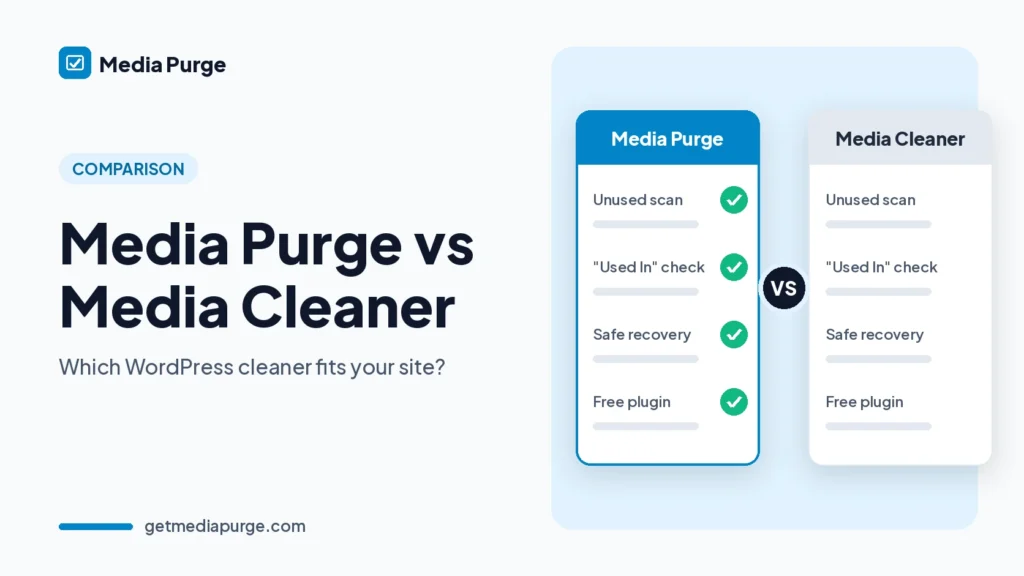
Full capability list: Media Purge features. For a head-to-head look at both plugins, see Media Purge vs Media Cleaner. Weighing other tools too? See Media Purge vs Media Hygiene and Media Purge vs WP Media Cleanup.
Honest comparison table
Media Cleaner cells below use WordPress.org and Meow Apps public facts as of October 2026. Feature rows that vary by Free vs Pro say so plainly rather than inventing parity. Media Purge cells reflect documented free-core behavior only.
| Feature area | Media Purge | Media Cleaner (Meow) |
|---|---|---|
| Core unused media scan | Free core | Free version includes Media Library unused-media scan (Meow Apps / WP.org) |
| Artificial scan / file caps on core | Product states none on core cleanup | Confirm current Free/Pro limits on Meow Apps (do not assume) |
| Page builder scanning (Elementor, Divi, WPBakery, Beaver Builder, etc.) | Free core for documented builders | Free covers many integrations; Pro adds heavier builders (e.g. Elementor, Divi, WPBakery — Meow Apps) |
| WooCommerce galleries / featured | Free core | Confirm current Free/Pro Woo coverage on Meow Apps / WP.org |
| Usage / “Used In” style verification | Used In display in free core | Preview / confirm before permanent delete via Meow trash model (WP.org) |
| Trash before permanent delete | Recoverable trash + Recovery tab | Internal trash; preview and confirm before permanent delete (WP.org) |
| Whitelist / protect files | Whitelist in free core | Confirm ignore / protect options on current Meow Free/Pro docs |
| Duplicate detection | MD5 group view in free core | Confirm current duplicate tooling on Meow Free/Pro docs |
| One-click duplicate merge | Coming Soon (do not claim ships) | Confirm on Meow Free/Pro docs (do not assume ships in Free) |
| Scheduled / automated cleanup | Coming Soon (do not claim ships) | Often tied to Pro / automation — confirm current Meow plans |
| CSV export / audit | Free core | Confirm on Meow Free/Pro docs |
| Maturity / install base | Early-stage (qualitative only) | 90,000+ active installs · 4.6★ (775 reviews) · WordPress.org, October 2026 |
| Price positioning | Fully free for core cleanup; paid automation planned | Free + Pro (freemium) — Pro adds filesystem scan and heavier builder support; confirm current pricing on Meow Apps |
Footnote: Competitor details change. Re-check Media Cleaner’s WordPress.org listing and Meow docs before each major refresh. Media Purge capabilities reflect the free plugin as documented on getmediapurge.com/features and WordPress.org.
Media Cleaner is established; Media Purge is early-stage. Choose on workflow fit, not hype. Review free features if the Media Purge column matches what you need.
Who should stay on Media Cleaner vs who should try Media Purge
Stay / evaluate Meow if…
- You already rely on Media Cleaner’s Pro or ecosystem features and they fit your process (confirm the current Pro list on Meow Apps / WordPress.org).
- You prefer the largest established brand in the category and that alone is a deciding factor.
- You need a specific Meow automation or integration that Media Purge does not ship yet.
Try Media Purge if…
- You want free-core unused and duplicate detection with no artificial scan/file-cap messaging on core cleanup.
- You want Used In → trash → recover, plus whitelist for edge cases.
- You need builder-aware scanning (Elementor, Divi, WPBakery, Beaver Builder, Gutenberg, Woo) in the free core as documented.
- You are comfortable with an early-stage product and do not need shipped scheduled automation or one-click duplicate merge today.
Nobody “should” switch. Fit beats slogans.
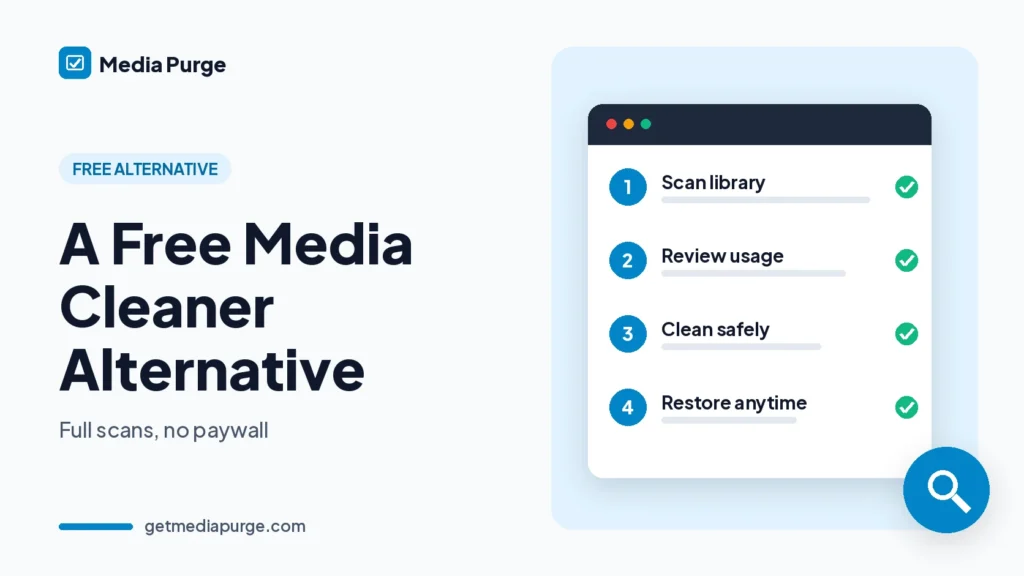
Safe cleanup workflow (verify → trash → recover)
Whatever tool you use, the safer pattern looks the same:
- Backup the site (files + database). Recoverable trash reduces regret; backups remain best practice.
- Run a read-only scan. Scanning should not delete anything by itself.
- Verify usage context (Used In / equivalent) before you act—especially on templates and product pages.
- Move unused files to recoverable trash, not permanent delete, on the first pass.
- Whitelist logos, brand kits, and anything only referenced in theme/CSS.
- Re-scan after major redesigns or catalog updates.
Media Purge follows this model end to end. Walkthrough: How it works. For finding unused files specifically, continue with Find unused images in WordPress.
How to try Media Purge (soft CTA)
- Install from WordPress.org or the Download page.
- Open Media → Media Purge and run a scan (read-only, async batches).
- Review the unused list with Used In, trash cautiously, restore from Recovery if needed, and export CSV when you want client or agency sign-off.
No urgency language, no scarcity. If free-depth scanning plus a recoverable safety model is what you came for, that is the path.
FAQ
Is Media Purge free?
Yes for core cleanup: scan, review, trash, restore, whitelist, CSV export, and documented builder/Woo scanning. Automation such as scheduled cleanup and one-click duplicate merge is Coming Soon—not claimed as available today.
Does it permanently delete on scan?
No. Scans are read-only. Files move to internal trash only when you choose that action. Permanent delete is explicit (or after retention expires on items you already trashed).
Does free include builders?
Yes for the builders documented in free core: Elementor, Divi, WPBakery, Beaver Builder, plus Gutenberg, classic content, WooCommerce galleries/featured, widgets, and Customizer uploads. See Features.
Is Media Purge a drop-in Media Cleaner clone?
No. It is a different product. Compare on the checklist and table above—scan depth, Used In, trash/recover, what is free vs Coming Soon—rather than assuming feature parity.
Can I restore files?
Yes. Use the Recovery tab within the retention window (default 30 days, adjustable in Settings). Keep site backups as well.
Next steps: Download Media Purge · Install from WordPress.org · Features · How it works · How to find unused images in WordPress