Last checked: 13 October 2026, against both plugins’ WordPress.org readmes (Media Purge 1.4.6, Media Hygiene 6.1.1).
Both plugins find unused media in the WordPress Media Library, let you review before you delete, and move files to trash instead of wiping them immediately. The free versions both scan Elementor and Divi on posts and pages. The differences that matter in practice are how clearly each plugin shows why a file looks unused, which builders and e‑commerce data are covered for free, and whether you also need a duplicate-image finder.
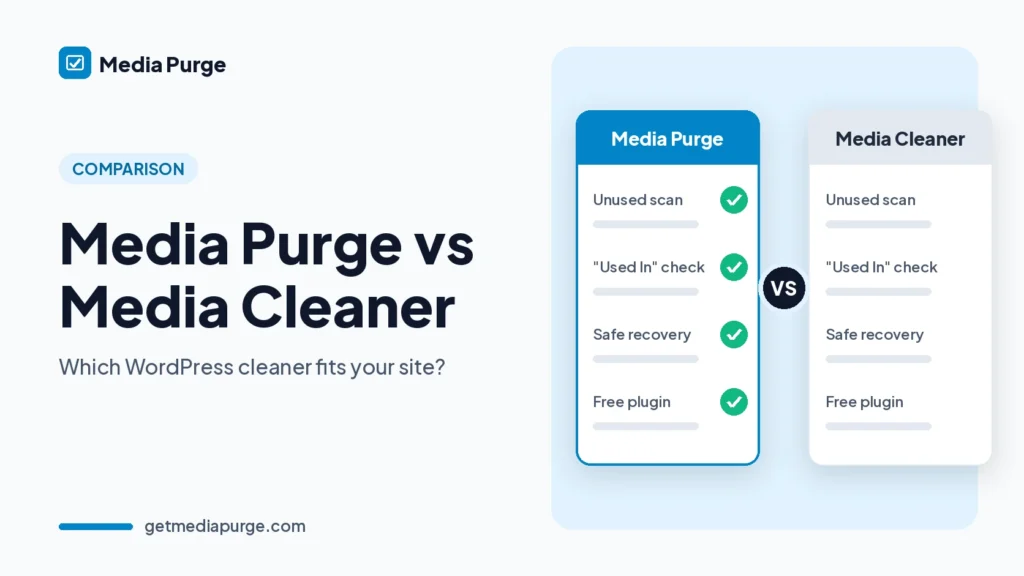
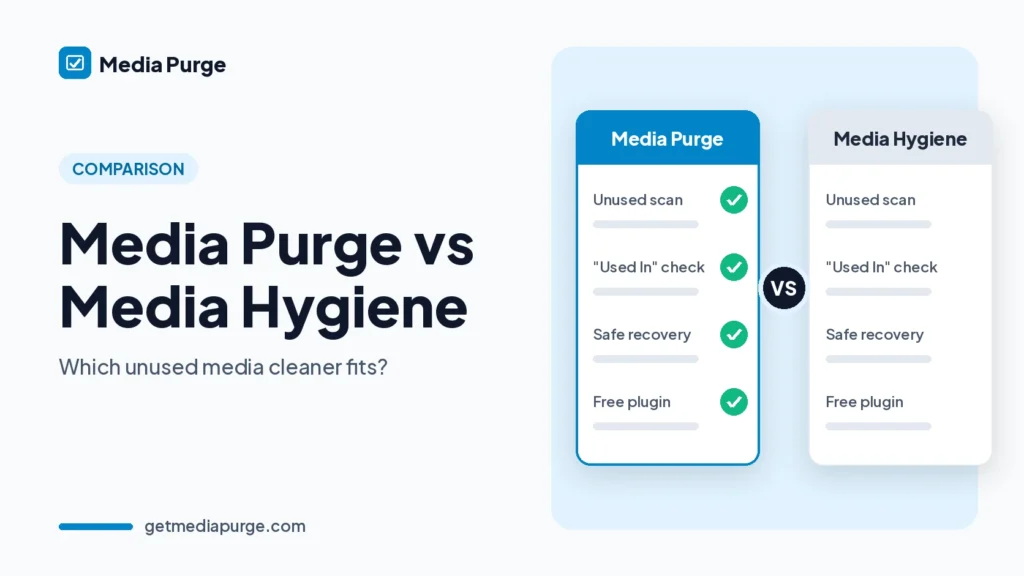
Quick comparison
| Feature | Media Purge (free) | Media Hygiene (free) | Media Hygiene Pro |
|---|---|---|---|
| Find unused media in the Media Library | Yes | Yes | Yes |
| Review before delete | Yes | Yes | Yes |
| Trash before permanent delete | Yes, internal trash; 30 days by default (adjustable) | Yes (WordPress Trash flow per readme) | Yes |
| Restore from trash | Yes, Recovery tab | Yes | Yes |
| Whitelist / keep forever | Yes | Yes | Yes |
| Elementor + Divi on posts/pages | Yes | Yes | Yes (wider Pro coverage) |
| WPBakery + Beaver Builder | Yes, free | Not listed | Not listed for those two |
| Bricks, Visual Composer, OceanWP, LayerSlider | Not listed (use Whitelist) | Yes on posts/pages | Yes, including templates / theme areas |
| Gutenberg / Site Editor templates | Post content + meta (see readme) | Yes (posts/pages; Site Editor templates in recent free updates) | Yes |
| WooCommerce product images / galleries | Yes (featured + galleries via post meta) | Gap warning in free; full coverage in Pro | Yes |
| ACF / other plugin custom fields | Not listed (use Whitelist) | Not in free (coverage gap warning) | Yes |
| “Used In” list with edit links per file | Yes | Names, URLs and sizes (no Used In list in readme) | Not described as Used In |
| Duplicate image finder (byte-identical) | Yes (view; merge planned) | Not listed | Not listed |
| CSV export of unused list | Yes | Not listed | Not listed |
| Upload summary email | Not listed | Yes (monthly by default; configurable) | Yes |
| Scan limits | None | Not listed | Not listed |
| Active installs (WordPress.org, 13 Oct 2026) | 30+ | 5,000+ | — |
| Rating (WordPress.org, 13 Oct 2026) | 5.0★ (1 review) | 4.2★ (41 reviews) | — |
When Media Purge is the better fit
- You want a Used In list. Media Purge shows where each file is referenced (for example Featured Image in “About Us”) with a link to edit that content before you trash anything.
- Your builders are Elementor, Divi, WPBakery or Beaver Builder and you want those scans in the free version. WPBakery and Beaver are listed for Media Purge; they are not listed for Media Hygiene’s free builder set.
- You also need duplicate detection. Media Purge groups byte-identical files by MD5 and shows wasted storage. See how to find duplicate images in WordPress.
- You hand clients a spreadsheet. Export unused results to CSV.
- WooCommerce galleries matter on the free plan. Media Purge scans product featured images and galleries via post meta. Media Hygiene’s readme puts full WooCommerce / custom-field coverage in Pro and warns about free-version gaps.
When Media Hygiene is the better fit
- You use Bricks, Visual Composer, OceanWP layouts or LayerSlider and want those covered in free (on posts and pages).
- You need Pro-depth coverage for ACF and other plugins that store media in their own fields and tables, or builder media outside normal post content (templates, headers, footers, CPTs).
- You want a larger install base and more reviews today (5,000+ installs / 41 ratings vs Media Purge’s early listing).
- You like upload summary emails reminding you that new files arrived since the last scan.
Shared safety habits
Neither plugin should be treated as a one-click delete tool. An “unused” result means no reference was found in the sources that plugin reads. Keep a backup, whitelist anything a theme or custom code loads, and restore from trash if a layout breaks. For the full workflow, see how to find unused images in WordPress and the WordPress media library cleanup guide.
How cleanup works in Media Purge
- Scan (read-only) across post content, post meta, widgets, customizer settings, WooCommerce galleries and supported builder data.
- Review size + Used In links.
- Trash into the plugin’s internal trash.
- Restore from the Recovery tab during retention, or delete permanently when you are sure.
Details: How it works. If you are comparing against Meow’s Media Cleaner specifically, use the dedicated Media Purge vs Media Cleaner page. For a shorter overview of alternatives, see Media Cleaner alternative. If you mainly want to clear unused image sizes rather than whole files, see Media Purge vs WP Media Cleanup.
FAQ
Does Media Hygiene scan Elementor for free?
Yes, on posts and pages, according to its WordPress.org FAQ (with Gutenberg, Divi, Bricks, Visual Composer, OceanWP and LayerSlider). Pro extends builder coverage into templates, theme areas and custom post types.
Does Media Purge scan Elementor for free?
Yes. Elementor, Divi, WPBakery and Beaver Builder are scanned in the free version.
Which plugin shows where a file is used?
Media Purge’s readme documents a per-file Used In list with edit links. Media Hygiene’s readme emphasizes names, URLs, sizes and coverage-gap warnings rather than a Used In list.
Can either plugin delete files by itself?
Both say deletion requires your selection and confirmation. Media Purge keeps files in an internal trash for 30 days by default (adjustable) before permanent removal at retention end or on explicit delete.
Does Media Purge find duplicates?
Yes for byte-identical files. One-click merge is planned and not available yet.
Should I install both?
You can compare scan results one plugin at a time. Avoid trashing the same files in both at once; each keeps its own trash or deletion path.
Feature detail: Media Purge features.